
ColdGenius vs Octopus CRM at a glance
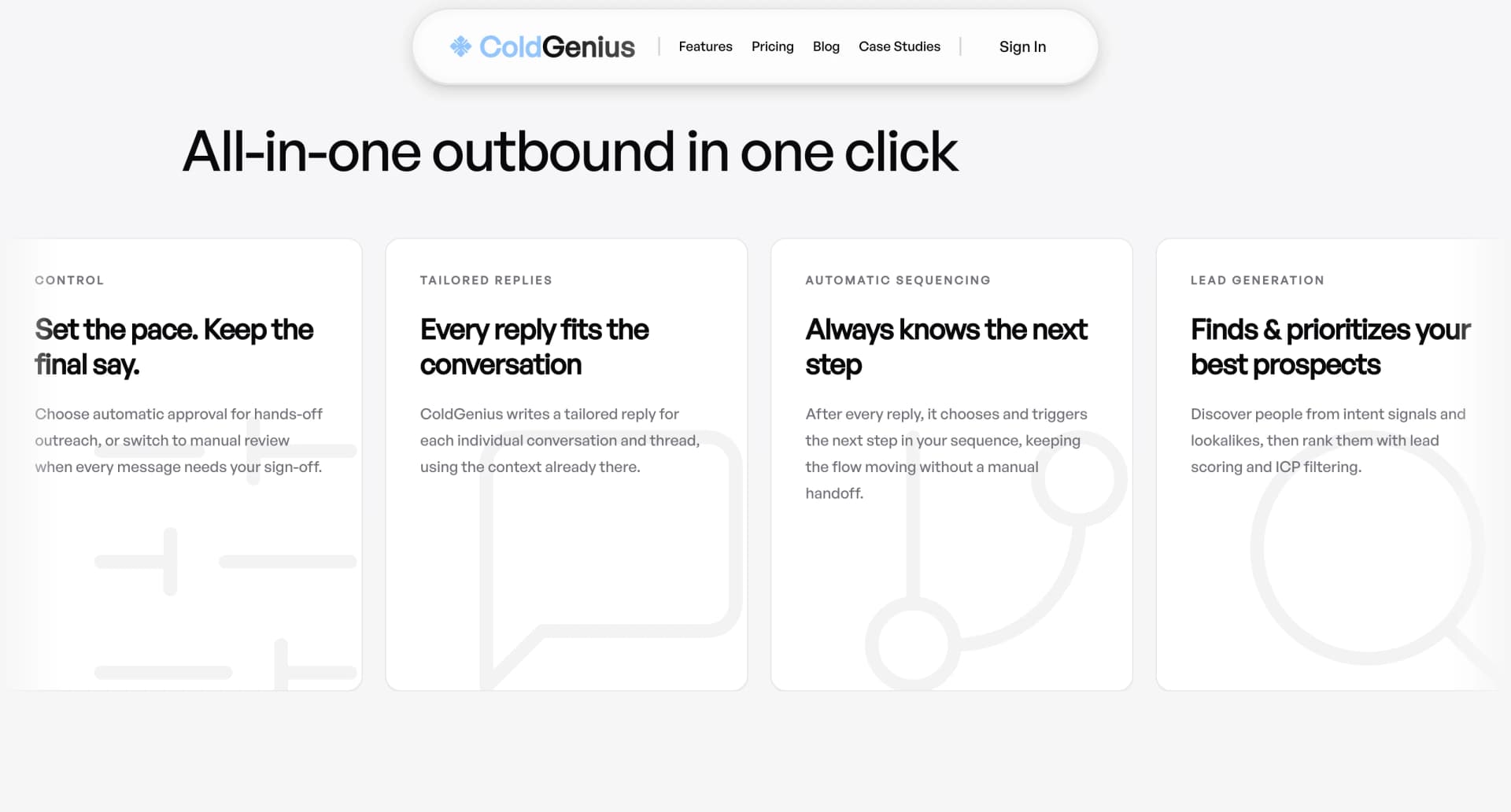
Your team needs qualified conversations, not another place to queue LinkedIn clicks. ColdGenius recommends an intent-led prospecting workflow: identify accounts showing relevant signals, score them against your ICP, then coordinate email and LinkedIn touches in one sequence. Octopus CRM is built around a Chrome extension that automates LinkedIn actions and keeps a personal CRM. That distinction matters when you need a repeatable outbound system rather than a faster way to work one network.
Our verdict: ColdGenius is the stronger fit for teams that want signal-based targeting, multiple sender accounts, controlled approvals, and a reply workflow connected to the original context. Octopus CRM can automate personalized connection requests, bulk messages, profile visits, endorsements, and LinkedIn funnels, but its public product positioning is centered on LinkedIn activity. That leaves your team to connect the rest of the buyer journey and manage the handoffs.
What Octopus CRM automates
Octopus CRM’s official product page positions the product as LinkedIn automation software. Its documented actions include personalized connection requests, bulk messages to first-level connections, profile visits, and automatic endorsement of up to seven skills. It also lists campaigns assembled from connecting, messaging, visiting, and endorsing actions. For a founder or recruiter running a LinkedIn-only motion, those controls can turn repeated browser work into a saved funnel.
The personal CRM gives you a dashboard for prospects and campaign data. The same page lists CSV import/export, Zapier and HubSpot integration, activity control alerts, and compatibility with Free, Premium, Sales Navigator, and Recruiter Lite accounts. The current public pricing display lists Starter at $9.99 per month, Pro at $14.99, and Advanced at $21.99. Pro is the relevant comparison tier here: its listed capabilities cover the personal CRM, automated invitations, bulk messaging, profile views, skills endorsements, campaign creation, data import/export, integrations, and activity control.
Those features solve a narrow operational problem well: putting LinkedIn actions in a queue and retaining a record of contacts. They do not, on their own, select prospects from buying intent, coordinate an email sender pool, or turn replies into an owned next action. If your team adds those layers manually, the low monthly subscription can still create costs through spreadsheet work, duplicate research, and delayed follow-up.
Where the workflow becomes expensive
Targeting starts before the LinkedIn click
A LinkedIn search filter is not the same as a buying signal. When a team imports a list or starts from search results, someone still has to decide which accounts deserve attention and why now. ColdGenius offers intent signals and lookalikes, then applies ICP scoring and filtering so your team can start with a ranked opportunity set. The benefit is focus: reps spend their review time on accounts with a reason to engage instead of browsing every plausible profile.
One network can bottleneck the sequence
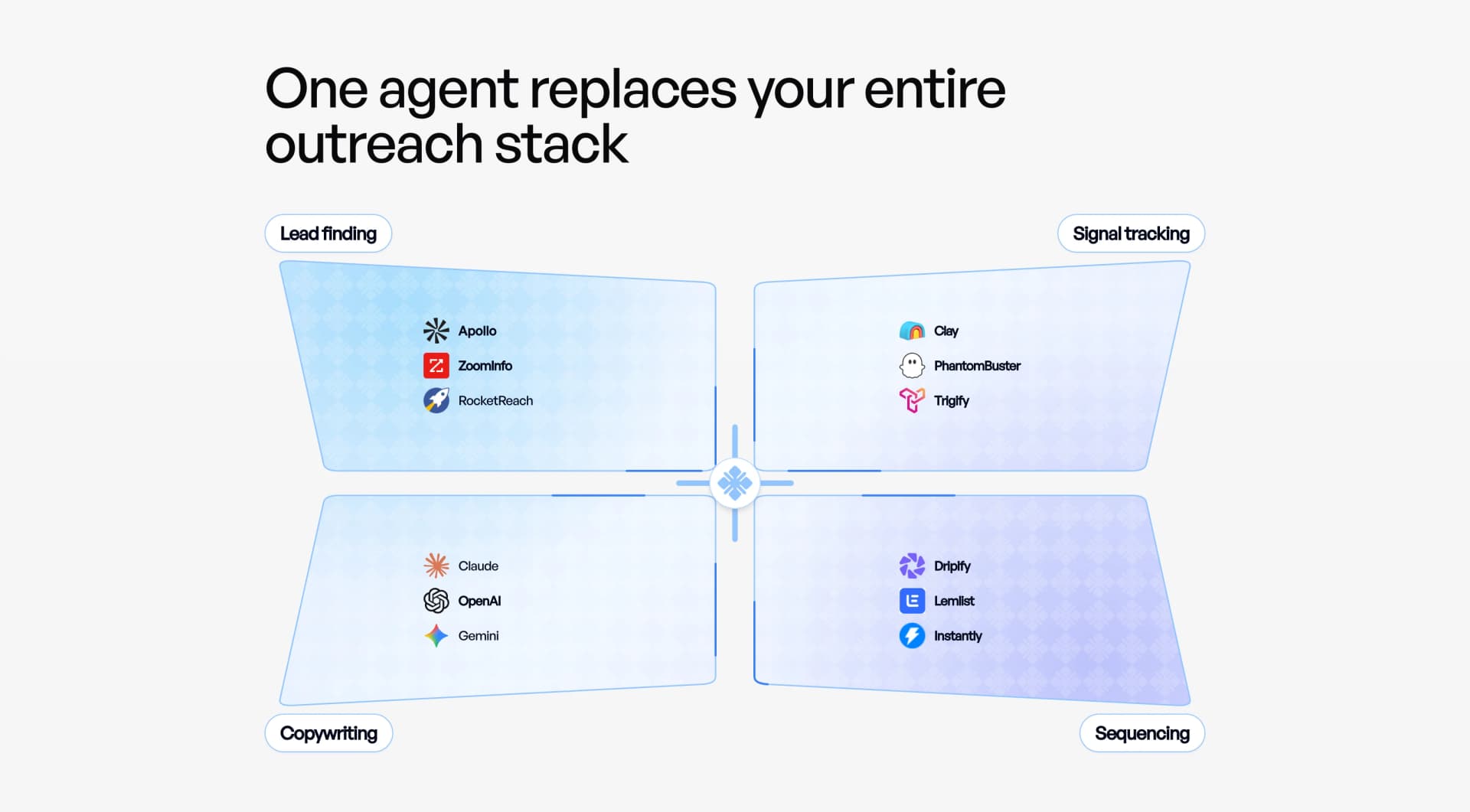
Octopus CRM’s documented funnel is made of LinkedIn actions. ColdGenius includes email plus LinkedIn coordination, so a sequence can use the channel that fits the prospect and the moment. ColdGenius handles sender accounts and keeps the sequence logic together, reducing the work of stitching a Chrome extension to a separate email platform. You get a single campaign decision instead of two calendars that drift apart.
Automation needs a control point
Teams often need a review before a first touch, a sensitive account, or a high-value reply. ColdGenius supports automatic or manual approval, letting you set the operating mode per workflow. Octopus CRM’s public feature list emphasizes automated campaigns and activity control alerts; it does not list a comparable approval step for reviewing each outbound action. The consequence is practical: with ColdGenius, a manager can preserve judgment without pausing every routine send.
Replies deserve context, not a new tab
The moment a prospect answers, the objective changes from activity volume to a useful next conversation. ColdGenius gives you tailored reply context and a unified inbox, so the reply, prospect information, sequence step, and recommended action stay connected. ColdGenius can handle reply actions rather than leaving a rep to reconstruct the thread from a LinkedIn notification and a CRM note. Octopus CRM’s official page lists campaign statistics and contact storage, but its listed Pro capabilities do not include a unified email-and-LinkedIn inbox or tailored reply workflow.
Feature matrix
| Feature | ColdGenius | Octopus CRM |
|---|---|---|
| Intent signals and lookalikes | ✓ | — |
| ICP scoring and filtering | ✓ | — |
| LinkedIn connection automation | ✓ | ✓ |
| LinkedIn bulk messaging | ✓ | ✓ |
| Email sender accounts | ✓ | — |
| Email and LinkedIn sequences | ✓ | — |
| Personal CRM | ✓ | ✓ |
| Automatic or manual approvals | ✓ | — |
| Tailored reply context | ✓ | — |
| Unified inbox | ✓ | — |
| CSV import and export | ✓ | ✓ |
| HubSpot or Zapier integration | ✓ | ✓ |
| Activity alerts | ✓ | ✓ |
✓ Included. — Not included in Octopus CRM's public Pro plan. Custom plans may differ.
What moving to ColdGenius changes
Start with the revenue outcome you need: more qualified meetings, faster response to engaged buyers, or a reliable pipeline for a small sales team. Define the ICP fields that matter, then use ColdGenius scoring and intent signals to create the first review queue. This replaces the common pattern of exporting a LinkedIn list and asking a rep to enrich every row by hand.
Next, map your existing LinkedIn funnel into a sequence with a clear job for each step. A connection request can introduce the conversation, an email can carry the sharper business case, and a later LinkedIn touch can make the follow-up recognizable. ColdGenius coordinates those touches and handles sender accounts. Your team sees one sequence, not an extension plus an unrelated email tool.
Set approval rules before launch. Keep automatic approval for routine, low-risk steps and manual approval for strategic accounts or messages that need a human edit. Then route replies to the unified inbox, where tailored context helps the owner choose a useful action. This is how you preserve quality as volume rises: automation performs the repeatable work while the team spends attention where intent is strongest.
For a deeper account-research framework, read the 2026 account research blueprint. For sequence design, see the cold email sequence structure guide. When replies arrive, the auto-reply and follow-up playbook covers the handoff from response to next step.
Make the buying motion measurable
ColdGenius also gives operators a clearer unit of progress. Instead of treating a profile view, endorsement, or connection request as the outcome, your team can inspect which signal created the lead, which sender delivered the touch, and which reply action moved the account forward. That makes troubleshooting faster when a sequence underperforms: adjust the ICP filter, approval rule, channel mix, or message context at the point where the workflow needs it.
This operating view helps technical GTM teams scale without hiding quality problems behind activity totals. A manager can compare approved and automatic steps, route a high-intent account to the right owner, and keep enrichment or integrations connected to the prospect record. You gain a workflow that is easier to audit and improve as your market, offer, and sender mix change.
Frequently asked questions
Can ColdGenius replace Octopus CRM?
Yes, when your requirement is a prospecting system that includes LinkedIn actions plus intent targeting, email, approvals, and reply handling. ColdGenius provides the LinkedIn-and-email sequence, sender-account management, unified inbox, and context needed to run the workflow end to end. If you only need a personal LinkedIn funnel, evaluate the operational scope carefully; most sales teams need the broader workflow once replies and multiple channels enter the process.
Does ColdGenius provide LinkedIn outreach?
Yes. ColdGenius includes LinkedIn senders alongside email senders and coordinates both in sequences. You can use ICP scoring and intent signals before a LinkedIn action, apply automatic or manual approval, and keep the resulting reply connected to the prospect record and sequence.
How does ColdGenius handle replies?
ColdGenius gives your team a unified inbox with tailored reply context and reply actions. Instead of checking a LinkedIn notification, an email inbox, and a CRM separately, the owner can see what was sent and decide the next useful move from one workflow.
Can I keep control over outbound messages?
Yes. ColdGenius offers automatic and manual approvals. Use manual review for accounts where relevance and tone matter most, while routine steps can move automatically under the rules you set.
What proof supports the ColdGenius workflow?
ColdGenius has helped produce a $150K qualified pipeline outcome in the RTX case study and a $10K day-one sale in another case study. Those examples support the practical goal of combining focused targeting, coordinated channels, and timely follow-up rather than measuring success only by LinkedIn activity counts.