
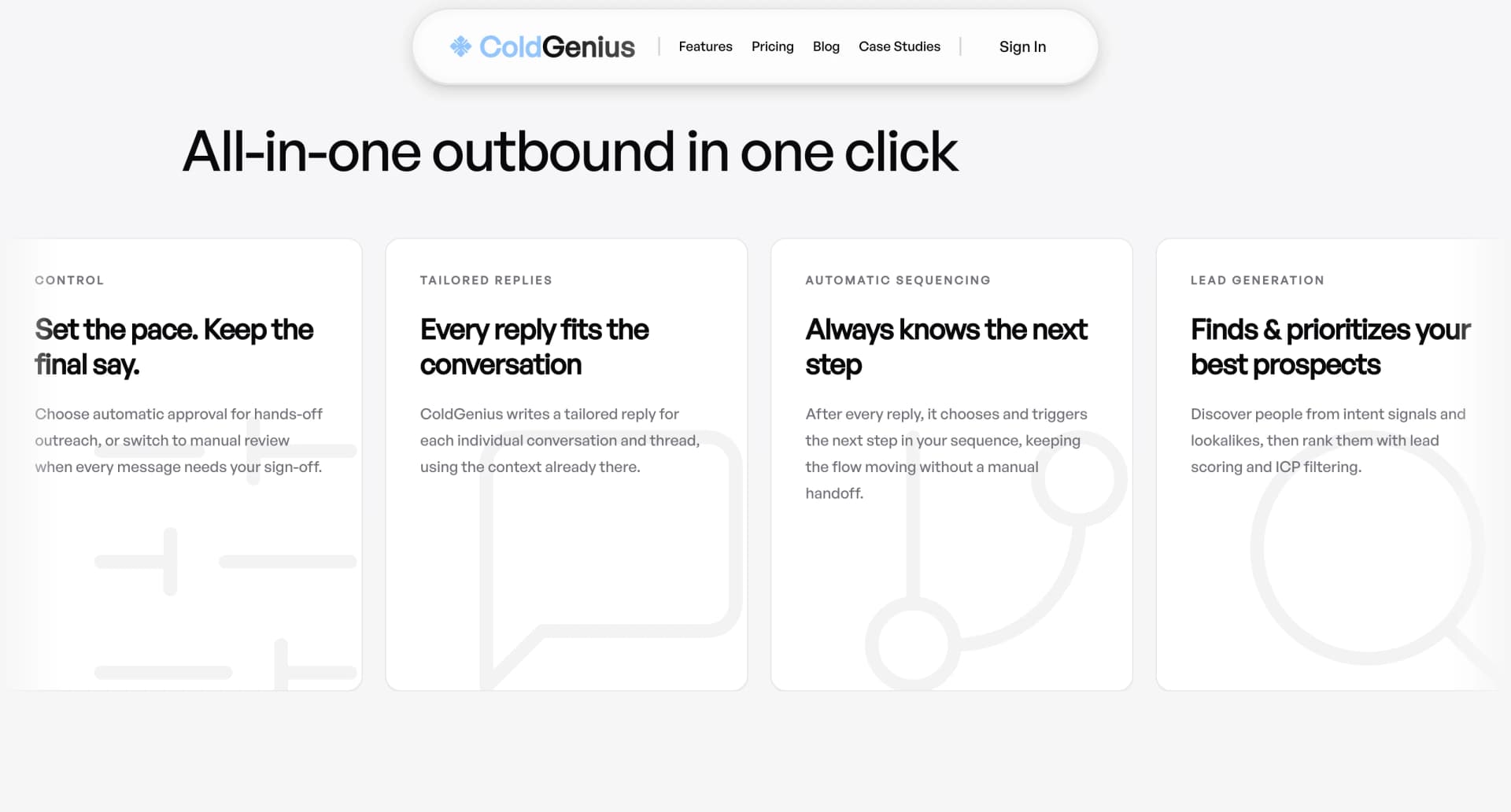
Pipeline growth depends on what happens before the first reply. You need a qualified audience, a reason to reach out now, and a sequence that can keep working when a buyer changes channels. ColdGenius gives your team that complete motion: it reads intent signals and lookalikes, scores prospects against your ICP, coordinates email and LinkedIn, and keeps replies in one place.
Dux-Soup is a focused LinkedIn automation product. Its official product page centers on working inside your native LinkedIn, Recruiter, or Sales Navigator account. It automates profile views, follows, endorsements, invitations, InMails, and messages. That browser-based approach can be useful when LinkedIn is your entire outbound motion. The buyer question is whether it gives you the full system your GTM team now needs.
Verdict: move from LinkedIn activity to coordinated pipeline
Choose ColdGenius when your priority is qualified conversations rather than a larger activity log. ColdGenius offers intent-led targeting, ICP scoring and filtering, enrichment, sender-account handling, and coordinated email-plus-LinkedIn sequences. Automatic or manual approval keeps you in control before a campaign runs. Tailored reply context and a unified inbox then turn responses into next steps instead of another handoff.
Dux-Soup’s public plans make the boundary clear. Pro Dux is listed at $14.99 per month, or $11.25 per month billed annually, for personalized LinkedIn invitations and first-degree messages, post likes, profile visits and tags, activity logs, safety features, and CSV export. Turbo Dux is listed at $55 per month, or $41.25 annually, and adds unlimited drip campaigns, statistics, lead management, a central inbox, contact management, and integrations. Cloud Dux is listed at $99 per month, or $74.17 annually, and adds cloud-based, managed infrastructure, security, and always-on activity.
Those tiers can automate a substantial LinkedIn workflow. They do not turn LinkedIn actions into a buyer-intent system. For technical GTM teams, that distinction affects list quality, personalization, deliverability work, and how quickly a reply reaches the person who can act on it.
That focus also shapes team economics. A browser extension can make a single rep faster, yet every additional sender, inbox, and handoff increases the number of places your operators must monitor. ColdGenius keeps targeting, sender allocation, channel steps, and response ownership together, so adding capacity does not require rebuilding the process in spreadsheets and CRM rules.
Browser actions are valuable, but they are still one channel
Dux-Soup’s native-account model means your team can run actions against the LinkedIn context it already knows. The homepage says activity history stays within LinkedIn and highlights customizable delays and response-based campaign pauses. That can reduce repetitive clicking and preserve the social context your reps use every day.
The cost appears when a prospect needs a second touchpoint. Dux-Soup’s listed campaign actions are LinkedIn actions. Its integrations send data and leads to a CRM or other tools, but the public plan language does not list coordinated email delivery as a campaign action. A rep can still add email infrastructure, copy, routing, and monitoring around the LinkedIn workflow; your team now owns the stitching.
ColdGenius handles that stitching inside the campaign. It can coordinate email and LinkedIn against the same prospect, sequence the next action based on engagement, and preserve context across channels. Your buyer receives a coherent motion, while your team avoids exporting a CSV, reconciling statuses, and asking which sender owns the follow-up.
That matters for a lean team. If a campaign produces interest but the next task is to copy a profile, find an address, draft a separate email, and update a CRM stage, the apparent automation savings disappear. ColdGenius keeps those actions connected so your operators can spend their time qualifying demand and helping buyers.
Turbo and Cloud improve execution, not audience intelligence
Turbo Dux gives you unlimited drip campaigns, campaign statistics, a lead-management dashboard, a central inbox, centralized lead and response views, contact management, and CRM integrations. Cloud Dux adds always-on cloud execution with managed and monitored infrastructure. These are meaningful operational upgrades for teams that want LinkedIn campaigns running without a browser tab open.
But campaign capacity is not the same as campaign judgment. The public feature list describes profile tagging and search, actions, delays, drag-and-drop steps, response detection, and progression monitoring. It does not describe intent signals, lookalike discovery, or ICP scoring. Without those mechanisms, your team still has to decide which accounts deserve attention and why now.
ColdGenius starts with that decision. It finds prospects through intent signals and lookalikes, filters them against your ICP, enriches records, and gives you an approval path before enrollment. Your team spends less time turning a broad search into a defensible target list. The result is a smaller, more relevant queue for the sequence to work.
Reply automation closes the gap after the first response
Dux-Soup says prospects who respond drop out of a campaign and into your pipeline. Its Turbo plan includes a central inbox and a centralized view of leads and responses. That helps you notice a response and stop additional campaign steps.
Stopping automation is not the same as advancing a conversation. A positive response can ask for pricing, proof, a calendar link, or a technical explanation. If that context lives in a LinkedIn inbox while email replies live elsewhere, your rep still has to reconstruct the thread and choose the next action manually.
ColdGenius gives you tailored reply context and automatic reply handling alongside a unified inbox. It can draft smarter responses for interested prospects, ask for missing resources, share booking links, and schedule meetings directly. Your team can review or approve automation while every channel remains attached to the same prospect record. Read how ColdGenius handles auto-reply follow-ups and why one inbox matters for every reply.
Feature matrix
| Feature | ColdGenius | Dux-Soup |
|---|---|---|
| Intent signals and lookalikes | ✓ | — |
| ICP scoring and filtering | ✓ | — |
| LinkedIn invitations and messages | ✓ | ✓ |
| Coordinated email and LinkedIn | ✓ | — |
| Sender accounts handled | ✓ | — |
| Automatic or manual approval | ✓ | — |
| Tailored reply context and automation | ✓ | — |
| Unified cross-channel inbox | ✓ | — |
| LinkedIn campaign statistics | ✓ | ✓ |
| CRM and enrichment integrations | ✓ | ✓ |
✓ Included. — Not included in Dux-Soup's public Pro Dux plan. Custom plans may differ.
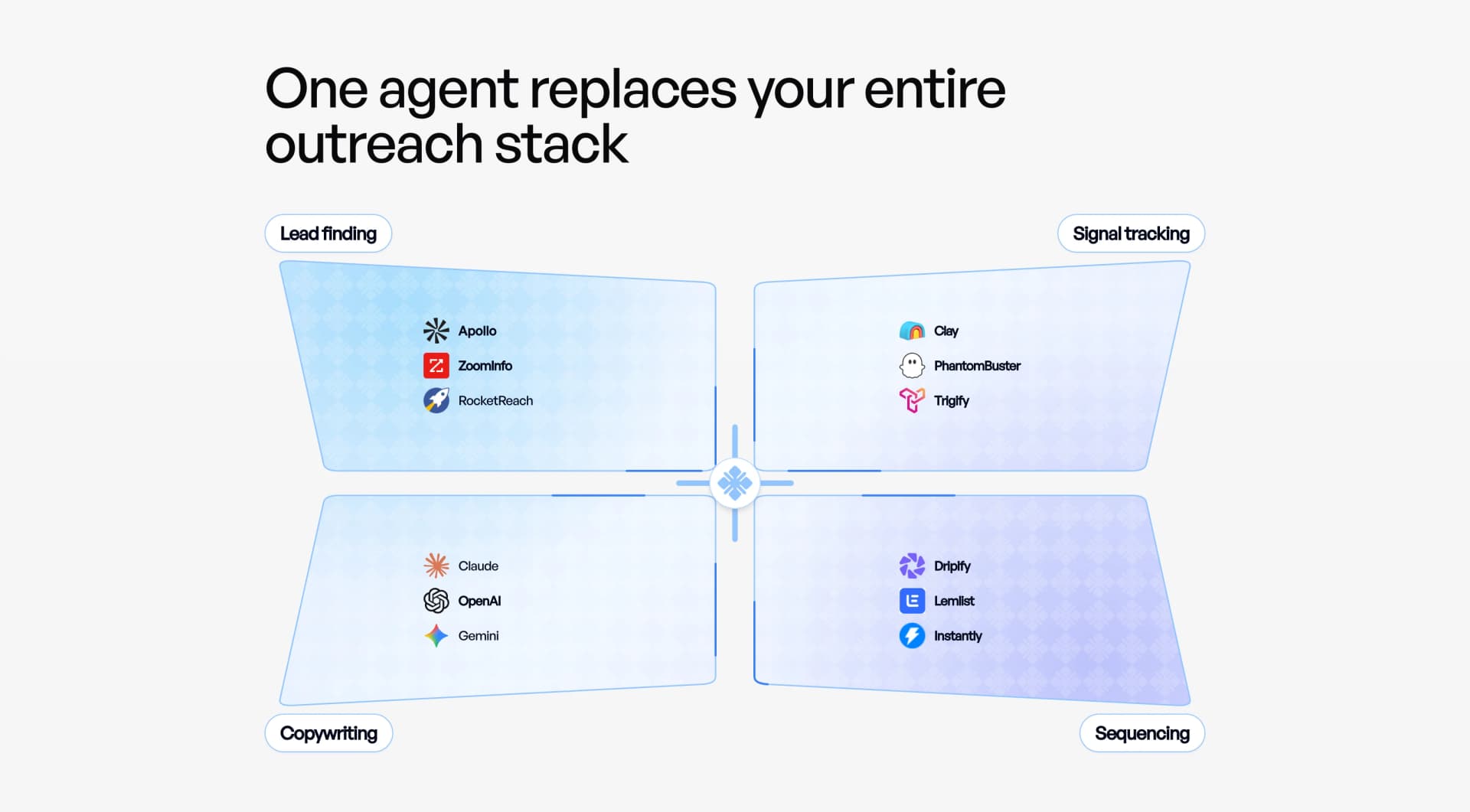
A practical migration path
- Define the buying signal. Start with the event, account pattern, or lookalike that should trigger outreach. ColdGenius uses those signals before enrollment rather than asking reps to sort every LinkedIn result by hand.
- Lock the ICP. Set the company and role criteria your team can actually serve. Score and filter the candidate set, then approve the records that deserve a tailored sequence.
- Assign the motion. Coordinate email and LinkedIn steps, sender accounts, delays, and approval rules in one campaign. Keep Dux-Soup exports and CRM records available during the transition, but make ColdGenius the system that owns new enrollment.
- Measure conversations. Watch replies, meetings, and pipeline outcomes rather than profile visits alone. The buying-signal playbook helps your team connect timing with action.
- Keep human control where it matters. Use manual approval for new segments or sensitive accounts, then let approved campaigns run automatically. Route positive replies with context so a rep can move directly to a useful conversation.
This workflow protects the value of LinkedIn prospecting while removing the operational tax around it. ColdGenius has already helped generate $150K in qualified pipeline in the RTX case study and a $10K day-one sale in another customer story. Those outcomes demonstrate the buyer-facing goal: relevant conversations that reach revenue, not activity for its own sake.
FAQs
Can ColdGenius replace Dux-Soup?
Yes, when you need LinkedIn outreach inside a broader email-and-LinkedIn motion. ColdGenius covers the prospecting, sequencing, sender handling, approvals, enrichment, and reply workflow that a technical GTM team needs to operate one pipeline. If you rely on a specific Dux-Soup export or CRM integration, map that handoff during your trial before switching it off.
Does ColdGenius still support LinkedIn prospecting?
Yes. ColdGenius coordinates LinkedIn actions with email rather than forcing your team to run LinkedIn as a silo. ICP scoring, intent signals, lookalikes, and approvals decide who enters the campaign; cross-channel sequencing decides what happens next.
What does ColdGenius provide beyond browser automation?
ColdGenius gives you managed sender accounts, enrichment and integrations, a unified inbox, and reply automation with context. You get one place to control targeting, launch approved outreach, and respond to interest quickly.
How should I evaluate the switch?
Run one ICP-defined segment with a clear buying signal. Compare qualified replies, meetings, and time-to-first-response against your current process. A focused test shows whether coordinated channels and contextual replies reduce the manual work around your LinkedIn campaigns.