
ColdGenius vs Meet Alfred: the practical difference
When your team needs LinkedIn outreach with email and X touches, Meet Alfred puts those channels into cloud-based sequences. Its public site also lists Lead Finder, a LinkedIn CRM, Smart Inbox, reporting, templates, integrations, and team collaboration. The public pricing page lists Basic at $59 per user per month, Pro at $99, and Team at $79 when billed monthly. That is a clear LinkedIn-first automation product.
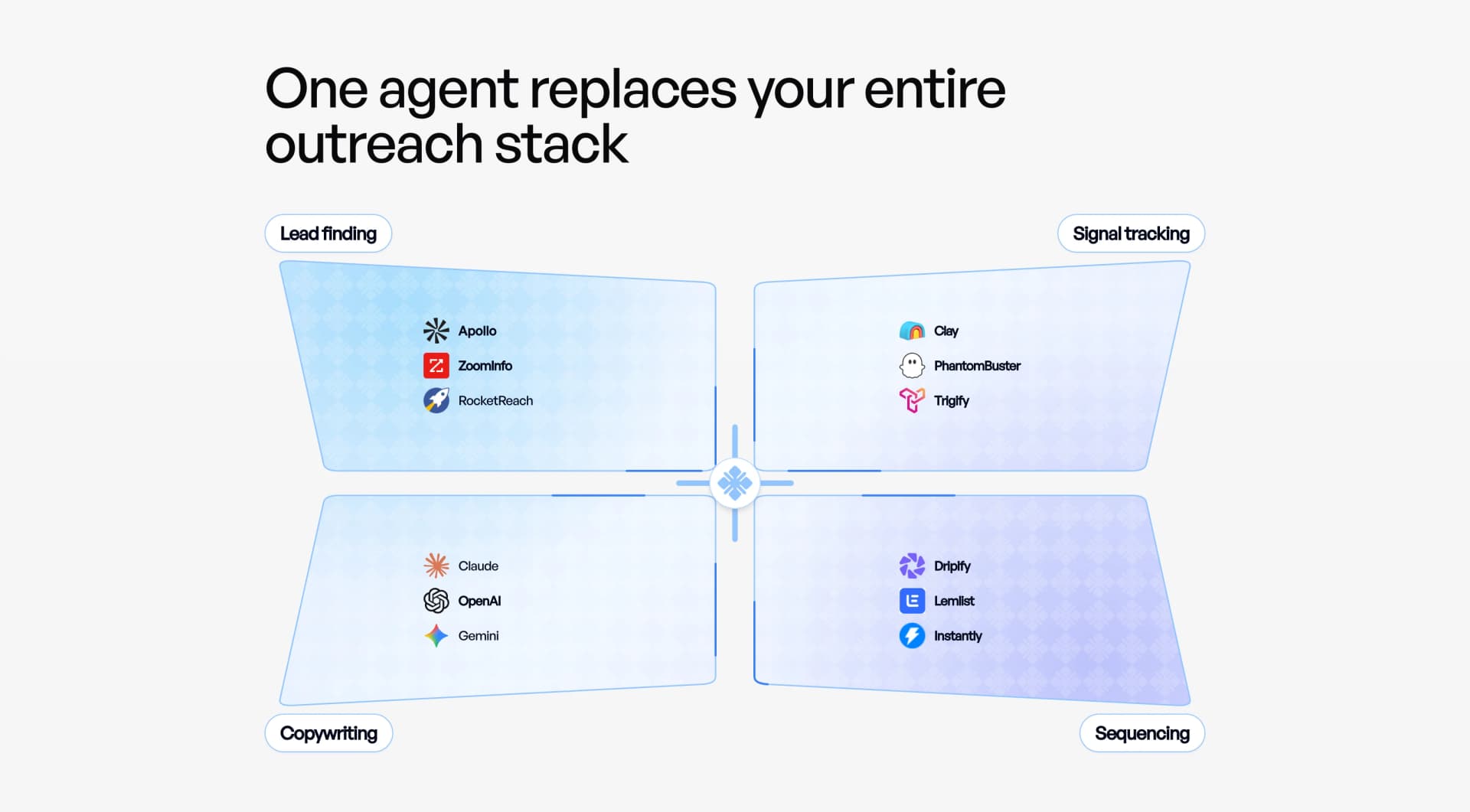
ColdGenius solves the harder GTM problem: finding the accounts showing buying intent, deciding which contacts match your ICP, coordinating managed sender accounts, and giving a rep the right next reply with context. You get a research-to-conversation workflow rather than another queue of LinkedIn actions. For a technical GTM team, that distinction determines whether activity becomes qualified pipeline.
Verdict: choose the workflow that starts with intent
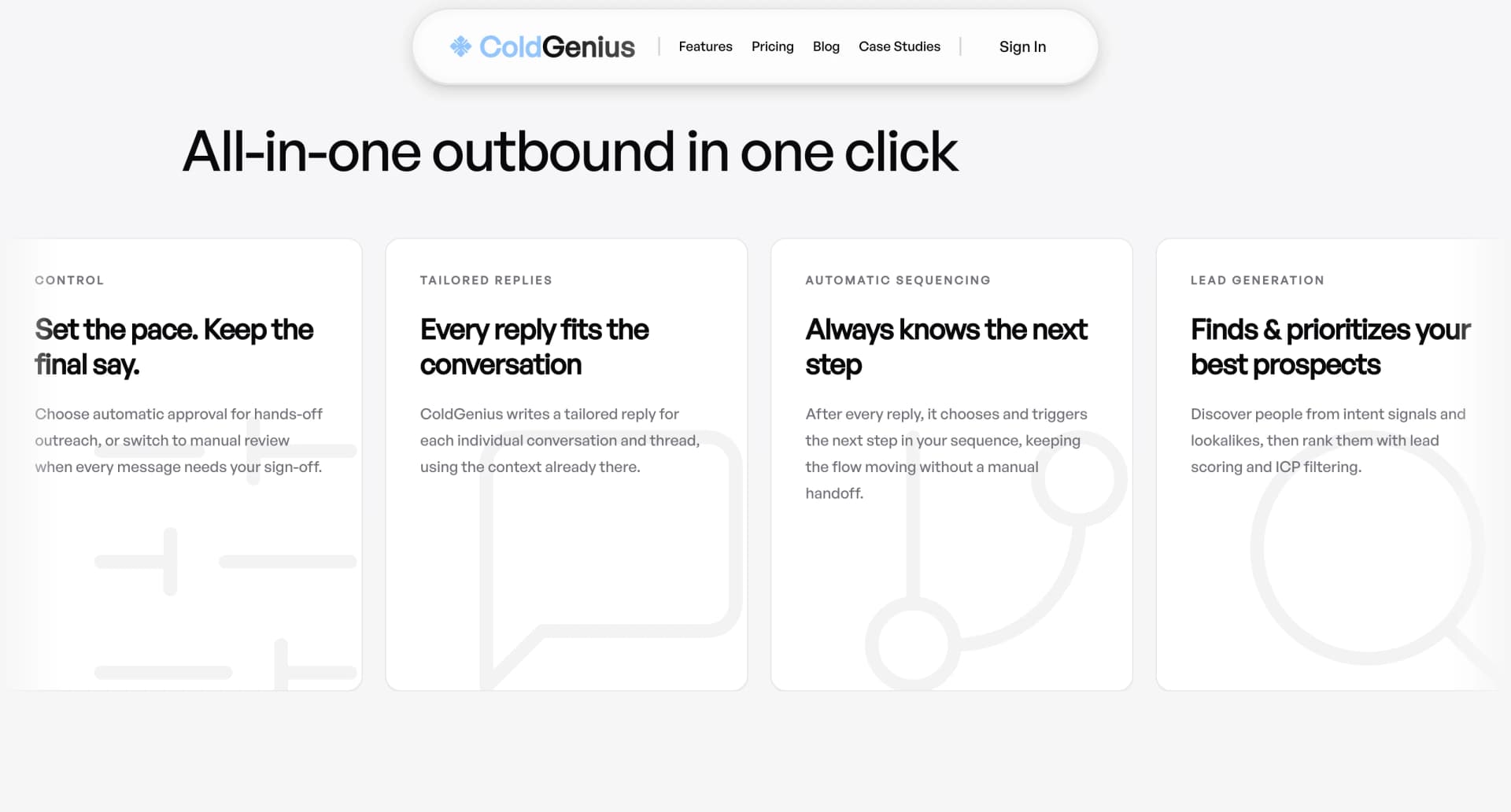
ColdGenius is the stronger fit when you need prospect quality and coordinated execution, not only channel automation. ColdGenius offers intent signals and lookalikes to surface accounts worth attention, then applies ICP scoring and filtering before outreach. It includes email and LinkedIn coordination, handles sender accounts for you, and gives reps automatic or manual approval controls. Replies arrive with tailored context and a clear next action in one unified inbox.
Meet Alfred's official feature pages make a compelling case for LinkedIn-first sequences, an inbox, CRM features, and team controls. They do not present the same intent-led research, managed-sender operating model, or contextual reply-next-action workflow. That gap creates work: your team still has to decide who is ready, keep data current, coordinate senders, and turn a reply into a useful handoff.
What Meet Alfred covers—and what your team still has to connect
LinkedIn-first multichannel execution
Meet Alfred's homepage says its sequences run across LinkedIn, email, and X, with personalization and smart limits. The Pro plan lists unlimited campaigns, Sales Navigator support, multichannel automation, advanced LinkedIn CRM, InMail automation, groups and events automation, content retargeting, CSV campaigns, and social post scheduling. That breadth can reduce the need to switch between channel tools.
ColdGenius starts one level earlier. Intent signals and lookalikes help your team build a prospect pool around demonstrated interest, while ICP scoring and filters keep low-fit names out of campaigns. ColdGenius then coordinates email and LinkedIn touches around the same account and context. You spend less time exporting lists and more time acting on a ranked buying motion. Our buying-signals guide explains why an observable signal is more useful than a generic persona list.
CRM and inbox are not the same as reply intelligence
Meet Alfred lists a LinkedIn CRM and Smart Inbox for managing network records and messages. Its homepage lists centralized prospect conversations across channels and reps. The Team plan adds team inbox management for five or more users, alongside advanced team settings, volume discounts, white label for ten or more users, and a dedicated account manager.
ColdGenius gives you a unified inbox that carries the reason a prospect was selected, the relevant enrichment, the sequence history, and a tailored reply context into the handoff. Automatic approval can keep routine steps moving; manual approval can keep a sensitive message with a human. Instead of asking a rep to reconstruct the thread across CRM fields and channels, ColdGenius offers the next action in context. The result is fewer dropped replies and faster qualification.
Team pricing can hide operational complexity
Meet Alfred pricing lists per-user plans: the public page lists Basic at $59 monthly, Pro at $99, and Team at $79 per user monthly. Team-only items include volume discounts, advanced settings, team inbox management for 5+ users, white label for 10+ users, and a dedicated account manager. Those tiers make sense for teams that want more campaign and administration controls, but they also mean you must map sender ownership, research, enrichment, and reply handling around the product.
ColdGenius handles sender accounts as part of the managed workflow, so your team does not have to assemble a second sender-management process. It includes enrichment and integrations to move qualified context into the systems you already use. Your cost is easier to evaluate: measure the time saved on list research, sender coordination, and reply triage alongside subscription seats. For a deeper view of coordinated execution, read our campaign-orchestration article.
Where the operating model matters
Channel coverage is only valuable when each touch has a reason. Meet Alfred can put a contact into a LinkedIn, email, and X sequence, but your team still needs a repeatable rule for when that contact belongs in the sequence and what should happen after a response. ColdGenius ties the selection rule to intent signals, lookalikes, and ICP filters before a sender performs the work. This reduces the expensive failure mode of reps spending hours polishing outreach for accounts that were never a fit.
Ownership also matters when several senders work the same market. ColdGenius handles sender accounts and keeps approval choices visible, so managers can protect quality without becoming a bottleneck for every routine step. A reply can move from the unified inbox to a tailored next action with its originating context intact. That makes coaching concrete: a manager can inspect the signal, the message, the response, and the proposed follow-up in one flow. Teams evaluating the workflow should ask how quickly a new rep can understand why a prospect was contacted and what to do next, not only how many campaign steps a platform can schedule.
Capability matrix
| Feature | ColdGenius | Meet Alfred |
|---|---|---|
| Intent signals and lookalikes | ✓ | — |
| ICP scoring and filtering | ✓ | — |
| LinkedIn outreach | ✓ | ✓ |
| Email and LinkedIn coordination | ✓ | ✓ |
| X outreach sequences | ✓ | ✓ |
| Managed sender accounts | ✓ | — |
| Automatic and manual approval | ✓ | — |
| Contextual reply next actions | ✓ | — |
| Unified inbox | ✓ | ✓ |
| Enrichment and integrations | ✓ | ✓ |
| Team inbox management | ✓ | ✓ |
| LinkedIn CRM | — | ✓ |
✓ Included. — Not included in Meet Alfred's public Pro plan. Custom plans may differ.
How to evaluate a move to ColdGenius
- Start with a revenue question. Define the account type, buying signal, and qualification event your team needs. ColdGenius can use intent signals, lookalikes, ICP scoring, and filters to turn that definition into a focused cohort.
- Connect the channels. Map the email and LinkedIn steps you currently run in Meet Alfred. ColdGenius coordinates those touches and handles sender accounts, so you can compare execution without adding manual sender administration.
- Set the control point. Decide which messages run under automatic approval and which require manual approval. This gives sales leadership a visible quality boundary instead of forcing every reply into the same automation rule.
- Measure conversations, not clicks. Track qualified replies, handoff speed, and pipeline created. A ColdGenius customer generated $150K in qualified pipeline in the RTX case study, while another generated a $10K day-one sale; these are concrete reference points for the outcome your evaluation should prioritize.
- Give reps the context to finish. Use the unified inbox and tailored reply context to make the next action obvious. Your team can focus on a relevant response rather than searching through campaign history.
For teams refining their ICP before launch, the ideal-customer-profile guide provides a useful planning reference. The practical goal is a repeatable path from signal to qualified conversation, with ownership clear at every step.
FAQs
Can ColdGenius replace Meet Alfred?
Yes, when the job is to identify high-intent, ICP-fit prospects and coordinate outreach through qualified conversations. ColdGenius includes LinkedIn and email coordination, sender handling, approval controls, contextual reply next actions, and a unified inbox. If your evaluation is limited to LinkedIn campaign automation and a LinkedIn CRM, compare the workflows directly rather than counting feature names.
Does ColdGenius support multichannel outreach?
ColdGenius offers coordinated email and LinkedIn sequences, with enrichment and integrations around the workflow. The focus is one account context and one next action, rather than separate channel queues that a rep must reconcile.
How does ColdGenius handle safety and control?
ColdGenius handles sender accounts and gives your team automatic or manual approval. That combination lets you scale the operational steps while keeping human review where message quality or account sensitivity requires it.
What does ColdGenius provide beyond a CRM or inbox?
ColdGenius gives you intent research, lookalikes, ICP scoring, filtering, coordinated sequences, tailored reply context, enrichment, integrations, and a unified inbox. Those capabilities connect selection, execution, and follow-up so the team can move from signal to revenue with fewer manual handoffs.