
ColdGenius vs Linked Helper at a glance
Your team does not need more activity for its own sake. You need qualified conversations, a clear owner for every reply, and a repeatable path from signal to meeting. ColdGenius offers an AI GTM agent that finds accounts, scores fit, coordinates email and LinkedIn senders, and routes replies into one working context. Linked Helper is a locally installed LinkedIn automation application built around actions on LinkedIn accounts.
That difference determines your operating cost. Linked Helper's official product pages emphasize a desktop app, account-level proxies, rolling limits, profile visits, connection requests, message chains, CRM tags, and exports. Its public pricing lists a $59.90/month cloud-storage Pro plan with unlimited daily actions, advanced export, unlimited webhooks, 3,100 data credits, and 500 AI credits. ColdGenius removes the need to assemble a LinkedIn-only machine before you can test a GTM motion.
Verdict: ColdGenius is the stronger system for technical GTM teams that want intent-led prospecting and coordinated channels. It gives you one workflow for identifying the right accounts, approving outreach, sending through multiple sender accounts, and handling replies. Linked Helper can automate many LinkedIn actions, but your team still has to bridge those actions to the broader revenue process.
Where the operating models diverge
Linked Helper runs close to the LinkedIn account
Linked Helper says it is a desktop app rather than a Chrome extension, with no code injected into the LinkedIn page. Its safety page highlights smart daily limits, randomized starts, work hours, human-like rhythms, a separate instance for each account, and one proxy per account. That model gives an operator granular control over a LinkedIn profile and its action queue.
The same control creates setup work. You manage installation, account instances, proxy health, schedules, and account-level campaign chains. A local CRM can tag and note contacts, while webhooks and native integrations can push profile data and messaging history outward. Those are useful handoffs, but they leave your team responsible for making the external revenue workflow coherent.
ColdGenius starts with buying intent
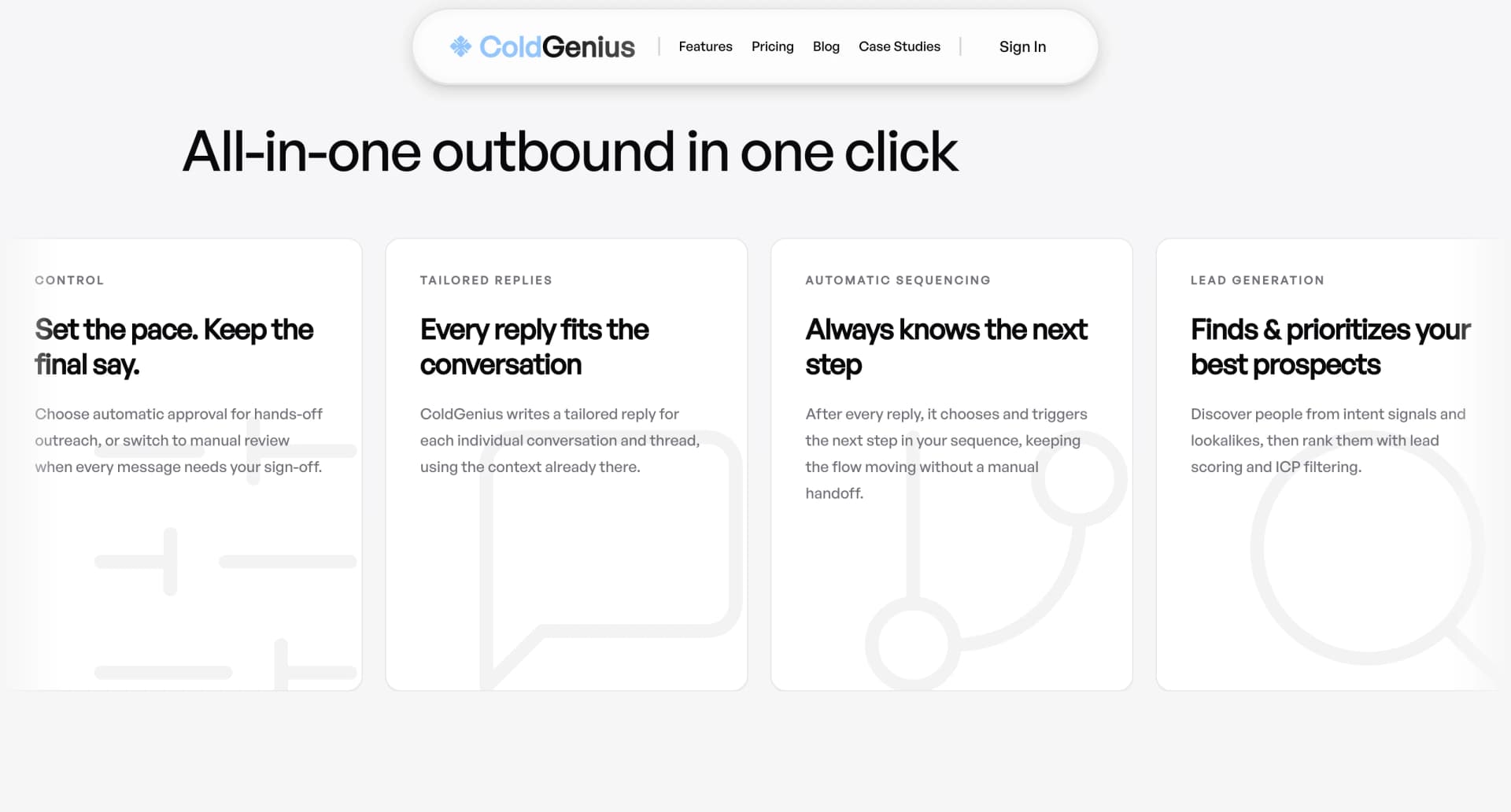
ColdGenius offers intent signals and lookalikes so you can begin with companies showing a reason to engage, rather than a large list of profiles waiting for actions. ICP scoring and filtering keep poor-fit accounts out of your campaign. This protects sender capacity and gives your team a defensible explanation for why each prospect entered the sequence.
From there, ColdGenius coordinates email and LinkedIn senders. Automatic or manual approval lets you choose the right operating rhythm, while sender accounts are handled inside the workflow instead of being managed as disconnected queues. You get a single view of the next action, channel, and account context. That means less spreadsheet reconciliation and fewer leads stranded between a LinkedIn reply and an email follow-up.
What each approach costs your team
Channel ownership also changes how you troubleshoot. In a local application, an operator can inspect an account instance, a proxy, a working-hours rule, or a stalled action chain. That visibility is valuable when your problem is a LinkedIn operation. It is less useful when the problem is revenue attribution: which signal qualified the account, which message earned the response, and who should act next. ColdGenius keeps those business decisions alongside execution, giving your team a shared record instead of a chain of technical checkpoints.
ColdGenius also makes experimentation cheaper. You can compare an intent-led segment with a lookalike segment, change the ICP score threshold, and review approved copy before sending. Because email and LinkedIn are coordinated, a failed LinkedIn touch can inform the next email step rather than ending the experiment. The result is a faster learning loop for positioning, audience quality, and channel mix.
- Finding demand: ColdGenius turns intent signals, lookalikes, and ICP scoring into a prioritized audience. Linked Helper's public feature set centers on collecting profiles from LinkedIn, Sales Navigator, groups, events, and post interactions, so your team must define and maintain the targeting logic around those lists.
- Creating a sequence: Linked Helper chains visits, invitations, messages, variables, and IF-THEN-ELSE templates, with reply detection that stops a chain. ColdGenius adds the email path and lets the agent coordinate channel decisions around the prospect's context.
- Keeping data useful: Linked Helper advertises verified emails, phones, and 50+ data points through its Data Enricher, with CSV and CRM delivery. ColdGenius includes enrichment and integrations in a GTM workflow so qualification, messaging, and ownership remain connected.
- Responding quickly: Linked Helper offers an inbox and AI Reply Assistant for LinkedIn conversations. ColdGenius gives your team tailored reply context in a unified inbox across the campaign, so a reply does not disappear into a single-channel queue.
- Scaling operations: Linked Helper's Pro plan is priced per license and its site states one license equals one LinkedIn account. ColdGenius handles sender accounts as part of a coordinated workflow, helping you scale coverage without multiplying disconnected playbooks.
The buyer impact is practical. A LinkedIn-only sequence can produce activity while a sales rep waits for a separate system to identify the account, enrich the record, send an email, and assign the response. ColdGenius puts those decisions in one loop. In the RTX case study, the workflow produced $150K in qualified pipeline; another case study records a $10K day-one sale. Those outcomes show the value of connecting targeting, execution, and reply handling rather than optimizing one channel in isolation.
Feature matrix
| Feature | ColdGenius | Linked Helper |
|---|---|---|
| Intent signals and lookalikes | ✓ | — |
| ICP scoring and filtering | ✓ | — |
| Email sender coordination | ✓ | — |
| LinkedIn sender coordination | ✓ | ✓ |
| Approval controls | ✓ | ✓ |
| Unified cross-channel inbox | ✓ | — |
| Tailored reply context | ✓ | ✓ |
| LinkedIn action chains | ✓ | ✓ |
| Profile enrichment and integrations | ✓ | ✓ |
| Sender accounts handled in workflow | ✓ | — |
✓ Included. — Not included in Linked Helper's public Pro plan. Custom plans may differ.
A cleaner path from signal to conversation
That unified approach matters when several people share pipeline responsibility. Marketing can define the segment, a growth operator can approve the sequence, and sales can take over a live reply without asking who owns the local campaign. ColdGenius gives each role the same account context and next-step view, which keeps handoffs visible and protects the quality of personalization as volume grows.
Start by defining the revenue event you want to capture: a hiring change, a new market move, a product launch, or another intent signal. ColdGenius uses that event with your ICP filters and lookalikes to build a focused account set. Your team sees why each company qualifies before any sender takes action.
Next, choose your approval mode. Automatic approval keeps a proven motion moving; manual approval gives an operator a checkpoint while you tune positioning. ColdGenius then tailors messages with the account context and assigns the appropriate email or LinkedIn sender. You can test a channel sequence without rebuilding a separate LinkedIn campaign and email campaign by hand.
Finally, treat replies as the conversion point, not as a reporting afterthought. ColdGenius routes replies to a unified inbox with tailored context, so a rep can answer from the relevant signal and previous touchpoints. For deeper buying-signal strategy, see Buying Signals. For sequence design, see Campaign Orchestration. Teams building an AI-assisted sales motion can also use Ideal Customer Profile as a practical reference.
FAQs
Can ColdGenius replace Linked Helper?
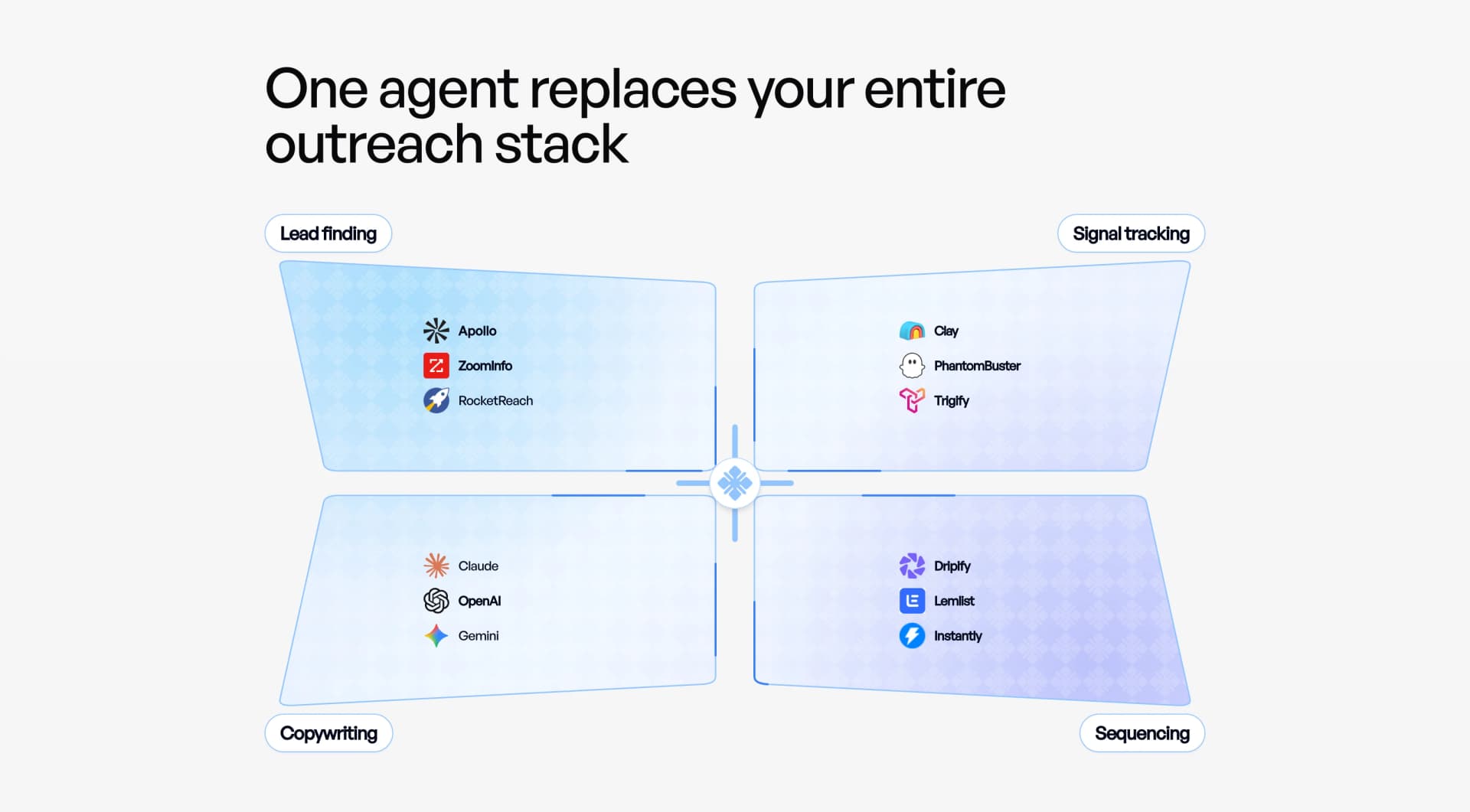
For teams buying LinkedIn automation specifically, Linked Helper's desktop account controls and action chains are the relevant comparison. ColdGenius replaces the operational need for a LinkedIn-only queue when your goal is qualified multichannel pipeline. It brings intent, ICP filtering, email and LinkedIn senders, approvals, enrichment, and reply routing into one workflow.
Does ColdGenius send on LinkedIn?
Yes. ColdGenius includes LinkedIn senders and coordinates them with email senders. That lets you use the channel where a prospect is active while keeping campaign ownership and response context in the same system.
What happens when a prospect replies?
ColdGenius gives your team tailored reply context in a unified inbox. Reps can see the reason the account entered the campaign and the conversation history needed for a relevant next step, instead of searching separate channel records.
How should I evaluate the difference?
Measure qualified accounts reached, channel coverage, time from signal to first touch, and time from reply to owner action. ColdGenius is designed around those GTM outcomes. A LinkedIn action count alone cannot show whether the right accounts entered the motion or whether replies became pipeline.