
ColdGenius vs LeadConnect: Which outbound workflow fits your team?
Your team needs qualified conversations, not another browser tab to supervise. ColdGenius offers an agent-led outbound workflow that reads your website, identifies high-intent prospects, scores them against your ICP, and coordinates email with LinkedIn touches. LeadConnect focuses on LinkedIn automation: its official site highlights invitations, follow-ups, CSV or LinkedIn search targeting, and HubSpot synchronization. That difference matters when you need pipeline across channels rather than a single LinkedIn sequence.
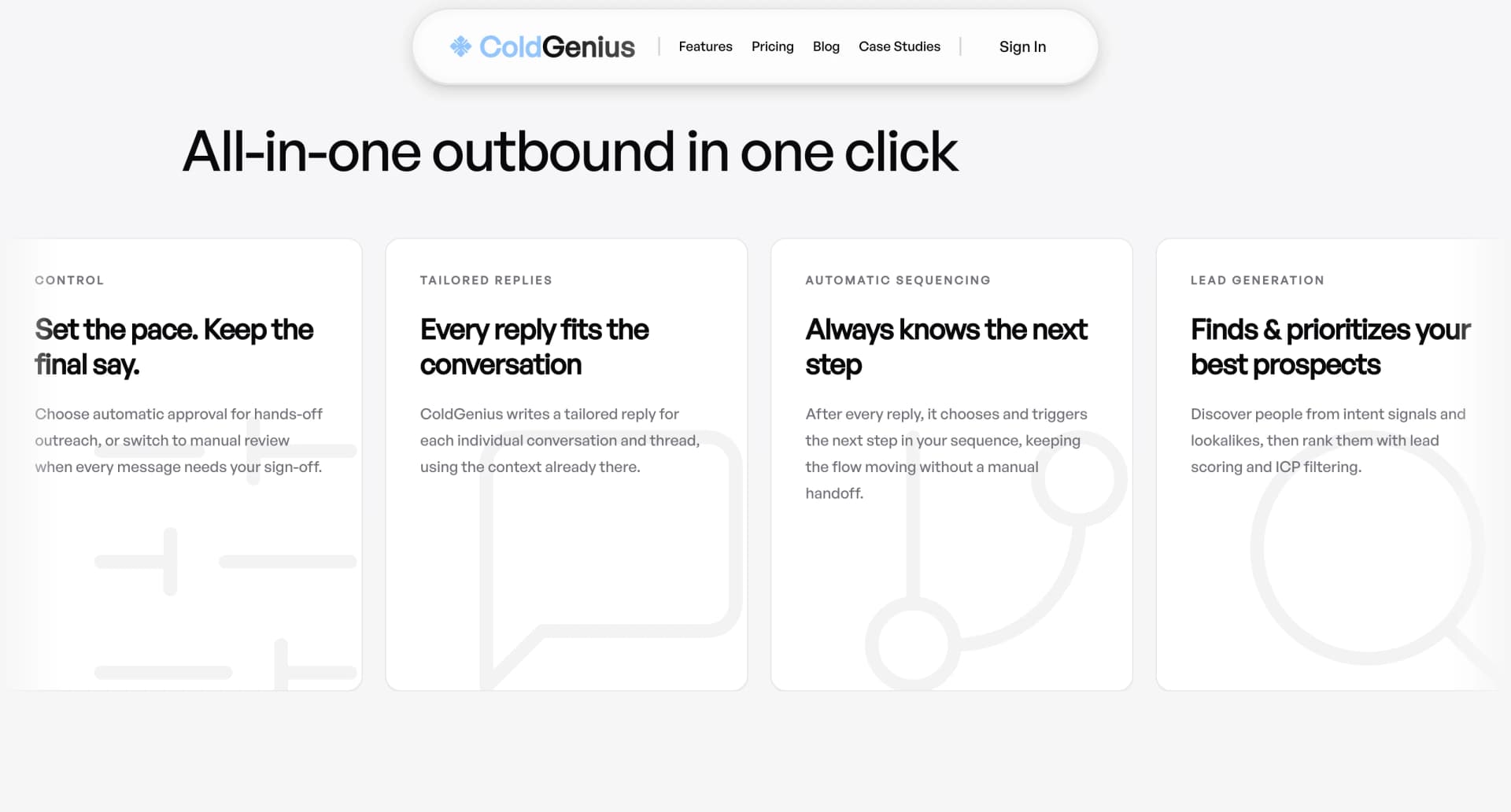
Our verdict: ColdGenius is the stronger operating choice for technical GTM teams that want one system from targeting through reply. It gives you intent signals and lookalikes, ICP filtering, sender-account management, tailored reply context, and a unified inbox. LeadConnect can automate a LinkedIn-first motion, but its published Professional plan and feature pages leave the email, intent, and cross-channel coordination layer to other tools. The result is more handoffs for your team and less context when a buyer answers.
What LeadConnect publicly offers
LeadConnect's published pricing page lists four packages: Free Forever, Professional, Grow, and Ultimate. The Professional plan is shown at $25.95 per month on the monthly view and $22.95 per month on the quarterly view. It lists up to 30 connection invites per day, 90 first-degree message credits per day, HubSpot integration, team and team blacklist, and 10 templates. The page also recommends a Sales Navigator or LinkedIn Premium subscription and warns that invite volume may be limited by the connected LinkedIn account.
Those details are useful when you are evaluating a LinkedIn-only tool. The official LeadConnect homepage says you can define an audience with Basic LinkedIn search, Sales Navigator, or CSV upload; create an invitation with placeholders; and add up to six follow-up messages for people who connected but did not respond. It also says the extension sends requests one by one as if sent manually, supports a blacklist, and can push LinkedIn profiles and conversations to HubSpot. The homepage names FindThatLead, Hunter.io, and Anymailfinder integrations for finding business email inside the LinkedIn interface.
LeadConnect's Professional plan page does not list intent-signal discovery, website-derived lookalikes, ICP scoring, an email sending layer, or a unified inbox. That is a narrower statement than claiming those capabilities never exist on a custom arrangement. It means your team cannot count those workflows as included in the published Professional package when you forecast launch effort.
Where the operational cost appears
LinkedIn targeting is not buying intent
A LinkedIn search gives you filters and a list; it does not necessarily tell you who is actively evaluating a problem. If your reps export a CSV and then research every account manually, list-building consumes the hours you wanted to spend on conversations. ColdGenius offers intent signals and lookalikes so you can start with prospects whose behavior resembles existing demand, then apply ICP scoring and filters before outreach begins. Your team spends time on accounts with a reason to engage.
A LinkedIn cadence leaves email coordination to you
LeadConnect's core cadence is invitation plus follow-up messages for connected prospects. The homepage also points to external email-finder integrations and HubSpot synchronization. For a team that wants email and LinkedIn to work as one sequence, that architecture can create extra configuration: connect a separate sending tool, decide which system owns timing, and reconcile replies across inboxes. ColdGenius includes email and LinkedIn coordination in the campaign workflow, handles sender accounts, and keeps the resulting conversations in one unified inbox.
Template limits create review overhead
The Professional plan lists 10 templates, while Grow lists 30 and Ultimate lists unlimited templates. A template count is not the same as tailored context. If your team serves several segments, you still need to keep messages relevant to each account and give reps a clear approval path. ColdGenius offers tailored reply context and automatic or manual approval, so you can let the agent prepare a useful next message while keeping control over when it sends. That makes quality a workflow setting instead of a spreadsheet rule.
Volume is tied to account limits
LeadConnect's pricing page lists 30 invites per day on Professional and notes that connected LinkedIn account limits may apply. That transparency is valuable, but it also means your capacity plan depends on LinkedIn account conditions and on which package you buy. ColdGenius handles sender accounts as part of the outreach system, giving you a clearer way to distribute campaigns across appropriate sending capacity while keeping campaign context together. You can scale by audience quality and reply handling rather than simply increasing one account's daily activity.
HubSpot sync is useful, but it is not the whole revenue workflow
LeadConnect says it can push prospect details and LinkedIn conversations to HubSpot, including automatically after an invitation is accepted. That can reduce manual CRM entry. ColdGenius goes further upstream and downstream: enrichment and integrations help prepare records, ICP filters control who enters a campaign, and the unified inbox keeps responses available for action. Your CRM receives cleaner context because the system that chose the prospect also sees the conversation that followed.
Feature matrix
| Feature | ColdGenius | LeadConnect |
|---|---|---|
| Intent signals and lookalikes | ✓ | — |
| ICP scoring and filtering | ✓ | — |
| Email and LinkedIn coordination | ✓ | — |
| Sender accounts handled | ✓ | — |
| Automatic or manual approval | ✓ | — |
| Tailored reply context | ✓ | — |
| Unified inbox | ✓ | — |
| Enrichment and integrations | ✓ | — |
| LinkedIn audience search or CSV targeting | — | ✓ |
| Automated LinkedIn follow-ups | — | ✓ |
| HubSpot synchronization | — | ✓ |
| Team blacklist | — | ✓ |
✓ Included. — Not included in LeadConnect's public Professional plan. Custom plans may differ.
A cleaner evaluation path
- Start with your revenue target. Give ColdGenius your website and define the customer profile you need. The agent turns that context into a focused prospecting brief rather than asking reps to begin with a generic LinkedIn search.
- Set the quality gate. Use ICP scoring and filters to decide which companies and people enter the campaign. Add intent signals or lookalikes when you need to prioritize accounts that resemble proven demand.
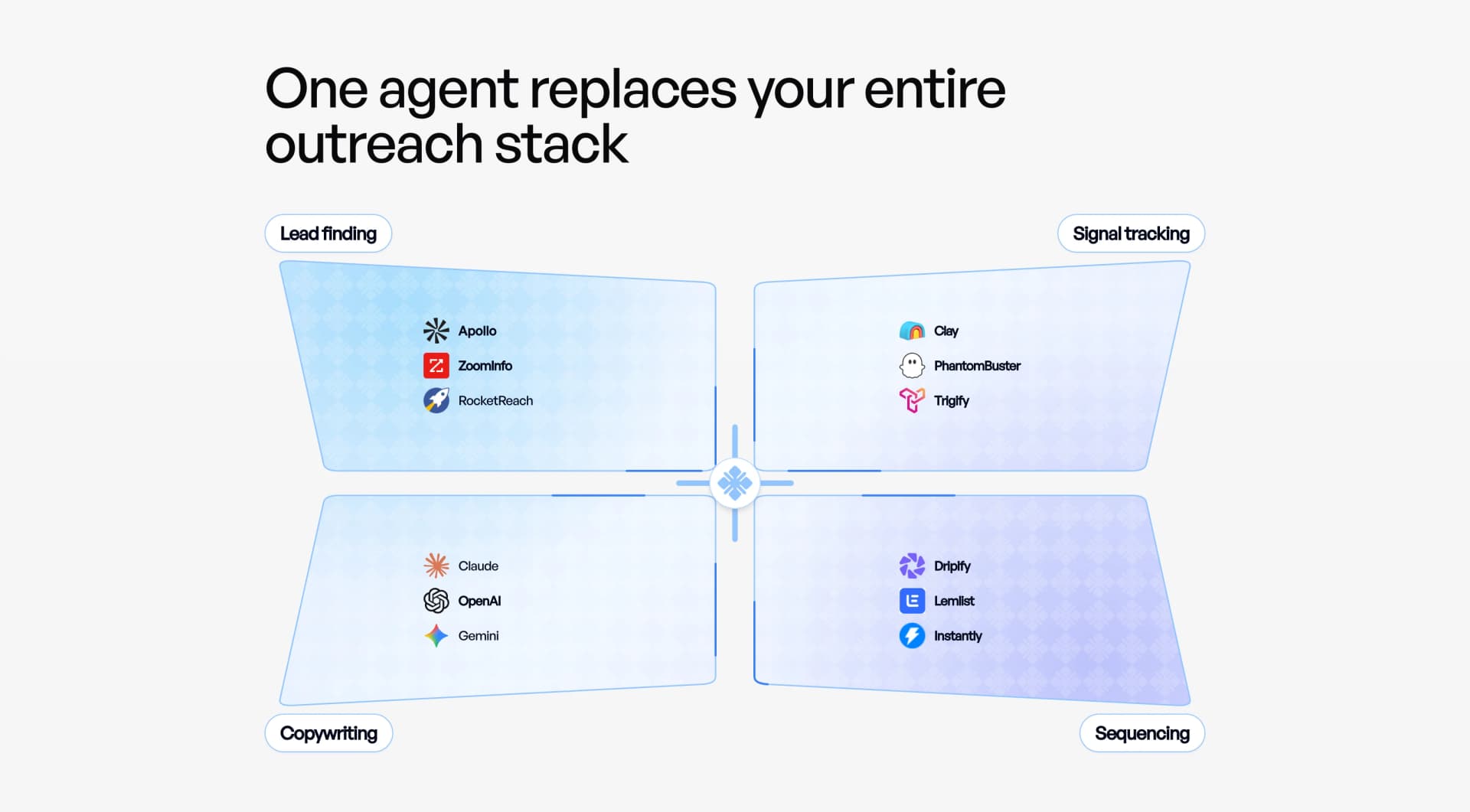
- Coordinate channels. Build email and LinkedIn touches in one workflow, then assign sender accounts. This avoids stitching a LinkedIn extension, email provider, and CRM together before your first test.
- Choose your approval mode. Automatic approval keeps a proven campaign moving; manual approval lets your team inspect messages before sending. Tailored reply context helps the next touch reflect the actual conversation.
- Measure conversations, not activity alone. Use the unified inbox to triage replies and move qualified interest forward. For practical guidance on prioritization, read Buying Signals That Show Prospects Are Ready and Find High-Quality Leads Before Wasting Time. When your team is ready to coordinate touches, The 2026 Multichannel Signal Playbook provides a useful operating reference.
What the workflow can produce
ColdGenius is built around a measurable buyer outcome: more qualified conversations with less manual routing. In one documented case study, RTX generated $150K in qualified pipeline using ColdGenius. Another case study records a $10K day-one sale. These are proof points to evaluate, not promises for every campaign; your segment, offer, deliverability, and sales process still matter. The practical advantage is that the product gives your team the mechanisms to learn quickly: quality filters, coordinated channels, sender controls, and reply context live in the same motion.
That structure also helps technical buyers troubleshoot. If reply quality drops, you can inspect targeting and ICP criteria instead of guessing whether a LinkedIn template or email tool caused the issue. If volume needs to change, sender-account handling gives you a controlled lever. If a prospect responds with a technical question, the unified inbox and tailored context keep the handoff from losing the thread.
FAQs
Can ColdGenius replace LeadConnect?
Yes, when your requirement is a broader outbound workflow that includes LinkedIn alongside email, prospect qualification, sender handling, and reply management. LeadConnect's documented core is LinkedIn invitations and follow-ups. ColdGenius covers that channel inside a campaign that also handles the work around it, so you do not need to assemble the rest of the motion separately.
Does ColdGenius provide LinkedIn outreach?
Yes. ColdGenius coordinates LinkedIn touches with email, applies ICP filters before outreach, and gives you automatic or manual approval. That combination lets you keep human control while avoiding a disconnected LinkedIn-only queue.
What does ColdGenius provide beyond a LinkedIn cadence?
ColdGenius offers intent signals and lookalikes, ICP scoring and filtering, enrichment and integrations, sender accounts handled, tailored reply context, and a unified inbox. Those capabilities connect discovery, execution, and response handling so your team can optimize for qualified pipeline rather than invite counts.
How should we evaluate the switch?
Run one focused ICP through ColdGenius, keep approval manual while you inspect message quality, and compare qualified replies and time spent per opportunity. Then add automation where the team has confidence. The goal is a repeatable process that your operators can explain and improve, not another tool whose activity lives outside your revenue workflow.