
ColdGenius vs Dripify: LinkedIn sequence automation or signal-led outreach?
Outbound teams do not need more activity for its own sake. You need qualified conversations that arrive with context, reach the right person, and keep moving when a prospect replies. ColdGenius and Dripify both address automated prospecting, but they organize the work around different starting points. Dripify is built around LinkedIn and email drip sequences. ColdGenius starts with buying signals and an ideal-customer profile, then coordinates channels and senders around the opportunity.
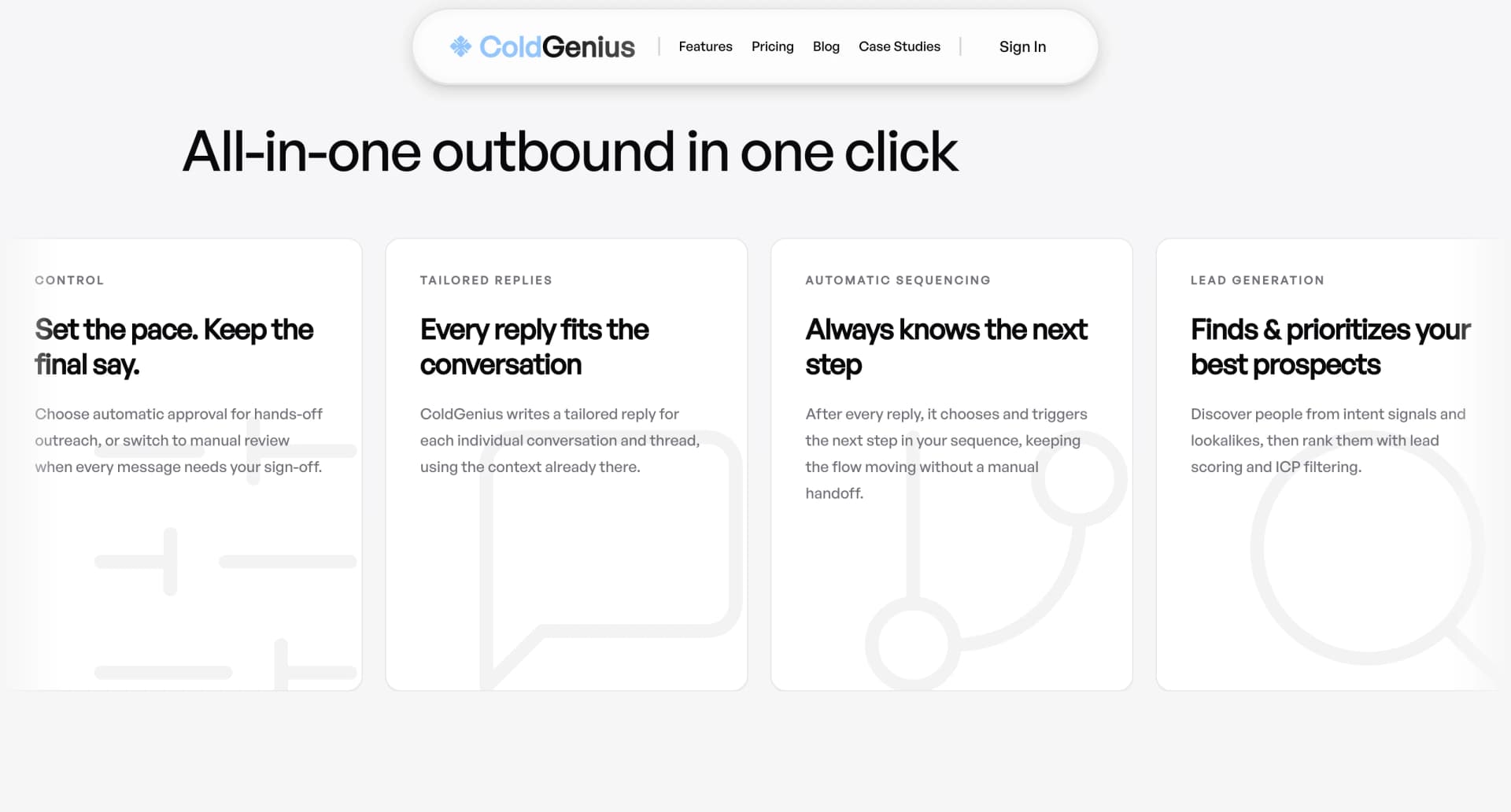
ColdGenius is the stronger fit when your team wants signal-to-reply execution rather than a LinkedIn sequence in isolation. It can score and filter your ICP, find intent and lookalikes, enrich records, coordinate email and LinkedIn, and keep replies in one inbox. That means fewer exports, fewer handoffs, and a cleaner path from “this account is showing interest” to “a rep has the right next message.”
What Dripify provides
Dripify’s public pricing page lists LinkedIn and email sequences across its Basic, Pro, and Advanced plans. Basic includes one drip campaign, limited daily quotas, sequence templates, analytics and reports, compatibility with all LinkedIn account types, built-in LinkedIn protection, and 24/7 live support. Pro adds unlimited drip campaigns, full daily quotas, a dedicated inbox, CSV export, webhooks, and HubSpot integration. Advanced adds multi-team management, advanced LinkedIn protection, lead tagging, and step analytics.
That is a practical sequence toolkit. You can define steps, set daily activity, inspect reports, and connect selected data to a CRM. Dripify’s homepage also positions the product around automated LinkedIn and email campaigns, a one-minute setup, and a seven-day free trial. For a team whose core motion is a predefined LinkedIn cadence, those controls can reduce repetitive clicking.
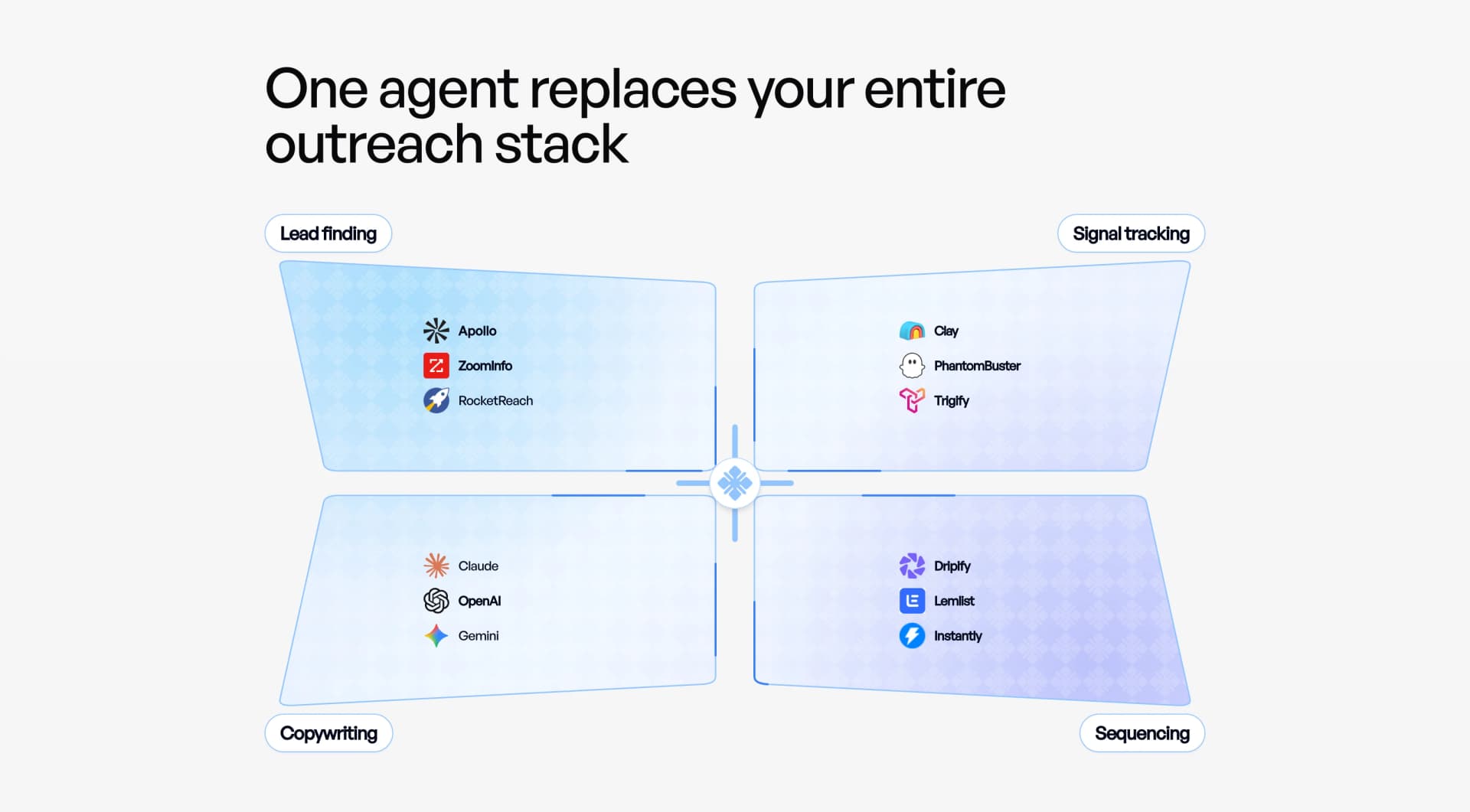
The buyer cost appears when your qualification logic lives outside the sequence tool. A campaign can automate the actions you already chose, but you still need a dependable way to decide which accounts deserve attention, recognize a live buying signal, coordinate multiple sender accounts, and tailor a reply once the conversation changes direction. Exporting lists or stitching together separate signal, enrichment, and inbox tools adds operational drag.
Why a signal-to-reply workflow changes the economics
ColdGenius moves qualification ahead of outreach. It uses intent signals and lookalikes to surface accounts with a reason to engage, then applies ICP scoring and filtering so your team spends sender capacity on the best-fit prospects. This protects your daily volume from becoming a vanity metric: every action is tied to a segment, signal, and message objective.
ColdGenius also handles sender setup across accounts. You can assign sender accounts to a campaign without building a fragile spreadsheet of ownership, then use automatic or manual approval depending on how much control your team needs. The result is a launch path that supports both a hands-off test and a carefully reviewed enterprise motion.
Channel coordination is where the difference becomes visible. ColdGenius includes email and LinkedIn coordination in one campaign, rather than treating an email step as an add-on to a LinkedIn drip. A prospect can receive a relevant touch on one channel and a complementary touch on the other, while your team retains a single view of the interaction. This reduces duplicate outreach and the troubleshooting loop between tools.
Reply handling is equally important. ColdGenius gives reps tailored reply context, a unified inbox, and the ability to choose automatic or manual approval. Reps can see why the account entered the campaign, what was sent, and what the prospect said before deciding on the next action. That is a direct improvement over treating a positive reply as a row to export and assign.
Where the operational gaps matter
Signal discovery: Dripify’s listed plans describe sequences, quotas, templates, reporting, and integrations. They do not list intent-signal discovery or lookalike sourcing as a plan capability. If your team needs those inputs, you must procure or operate another source, then move the records into the sequence. ColdGenius includes intent signals and lookalikes so the campaign can begin with a buying reason.
Qualification: Dripify lists lead tagging in Advanced, but its public plan details do not describe ICP scoring and filtering. Tags can organize leads after selection; scoring helps decide selection before sender capacity is spent. ColdGenius applies ICP scoring and filtering as part of the campaign workflow, giving you a repeatable gate for fit.
Sender operations: Dripify lists multi-team management in Advanced and compatibility with all LinkedIn account types in Basic, but the public plan page does not describe sender-account orchestration across a signal-led campaign. ColdGenius handles sender accounts directly, making ownership and rollout easier to inspect as you add people or domains.
Reply context: Dripify lists a dedicated inbox in Pro. ColdGenius adds tailored reply context and a unified inbox that ties the response back to the campaign reason and preceding touches. The consequence is fewer manual lookups before a rep answers and less risk that a useful signal disappears during handoff.
Approval control: Dripify’s public feature list emphasizes automation and LinkedIn protection. It does not list a per-message automatic/manual approval choice. ColdGenius offers that choice, so you can automate routine follow-up while requiring review for high-value accounts or sensitive language.
Feature matrix
| Feature | ColdGenius | Dripify |
|---|---|---|
| Intent signals and lookalikes | ✓ | — |
| ICP scoring and filtering | ✓ | — |
| Coordinated email and LinkedIn | ✓ | ✓ |
| Sender accounts handled | ✓ | — |
| Automatic or manual approval | ✓ | — |
| Tailored reply context | ✓ | — |
| Unified inbox | ✓ | ✓ |
| Enrichment and integrations | ✓ | ✓ |
| Campaign approval controls | ✓ | — |
| Cross-channel reply tracking | ✓ | — |
✓ Included. — Not included in Dripify's public Pro plan. Custom plans may differ.
How to evaluate a move to ColdGenius
- Start with one ICP. Define the roles, company attributes, and buying signals that make a conversation timely. ColdGenius uses those inputs for scoring and filtering before outreach begins.
- Map the handoff. Connect the enrichment and integrations your team already uses, then decide which sender accounts should participate. Keep ownership visible instead of passing CSVs between operators.
- Choose approval rules. Use automatic approval for proven low-risk sequences and manual approval for strategic accounts. This lets you increase coverage without giving up review where it matters.
- Measure replies, not only activity. Track signal-to-reply movement, response quality, and follow-up speed in the unified inbox. For context, ColdGenius customer evidence includes $150K in qualified pipeline with RTX and a $10K day-one sale; those case studies show the outcome-oriented standard your evaluation should use.
Use the buying signals guide to sharpen the inputs, the ideal customer profile guide to formalize fit, and the campaign orchestration guide to plan channel and sender coordination. Each link keeps the buying decision grounded in the workflow your team must run after launch.
Sender capacity is a budget, not a scoreboard. When a prospect has no current problem or does not match your ICP, another automated touch only increases the number of conversations a rep must triage. ColdGenius protects that budget by combining fit and timing before the first step. A signal can trigger a focused campaign, while filters prevent broad lists from consuming account or domain capacity.
The same discipline improves troubleshooting. If a reply rate falls, your team can inspect the signal, score, enrichment, sender, message, and approval path in one workflow. With a sequence-only stack, the failure may sit in list quality, a separate enrichment job, an export, or inbox routing. Reducing those seams makes experiments faster and gives managers a clearer explanation for what changed.
ColdGenius is also designed for a technical GTM handoff. Marketing can define the ICP and signal rules, sales operations can manage sender accounts and integrations, and reps can work replies with context. Each role gets a concrete control rather than a shared spreadsheet or an informal request to “check the campaign.”
FAQ
Can ColdGenius replace Dripify?
Yes, when your requirement is a coordinated signal-to-reply campaign. ColdGenius includes LinkedIn and email coordination, sender handling, ICP scoring, approval controls, reply context, and a unified inbox. The migration is most valuable when your current process begins with exported lists and ends with manual reply routing.
Does ColdGenius provide LinkedIn automation?
ColdGenius includes LinkedIn outreach coordination as part of a multichannel campaign. Instead of treating LinkedIn as the entire system, it connects LinkedIn touches with email, signals, enrichment, sender setup, and reply handling so your team can act on a complete conversation.
What does ColdGenius provide beyond a sequence builder?
ColdGenius gives you a path from account signal to qualified reply: intent and lookalike discovery, ICP scoring and filtering, enrichment and integrations, sender-account handling, automatic or manual approval, tailored reply context, and one inbox for the resulting conversations. That cuts the number of places your team must inspect before taking the next step.